What does the license view show?
It keeps the license record, deadline, documents, status, and next action together so you can see what needs review.

For individuals
Review your credential list, see an approaching renewal, and identify the document or review action to handle next.

Built for the licenses and states you manage.
Document to workspace
Review each document and connect it to the correct license record.

Next
Keep the document, review state, and related record visible in one workspace.
CME Harmonizer
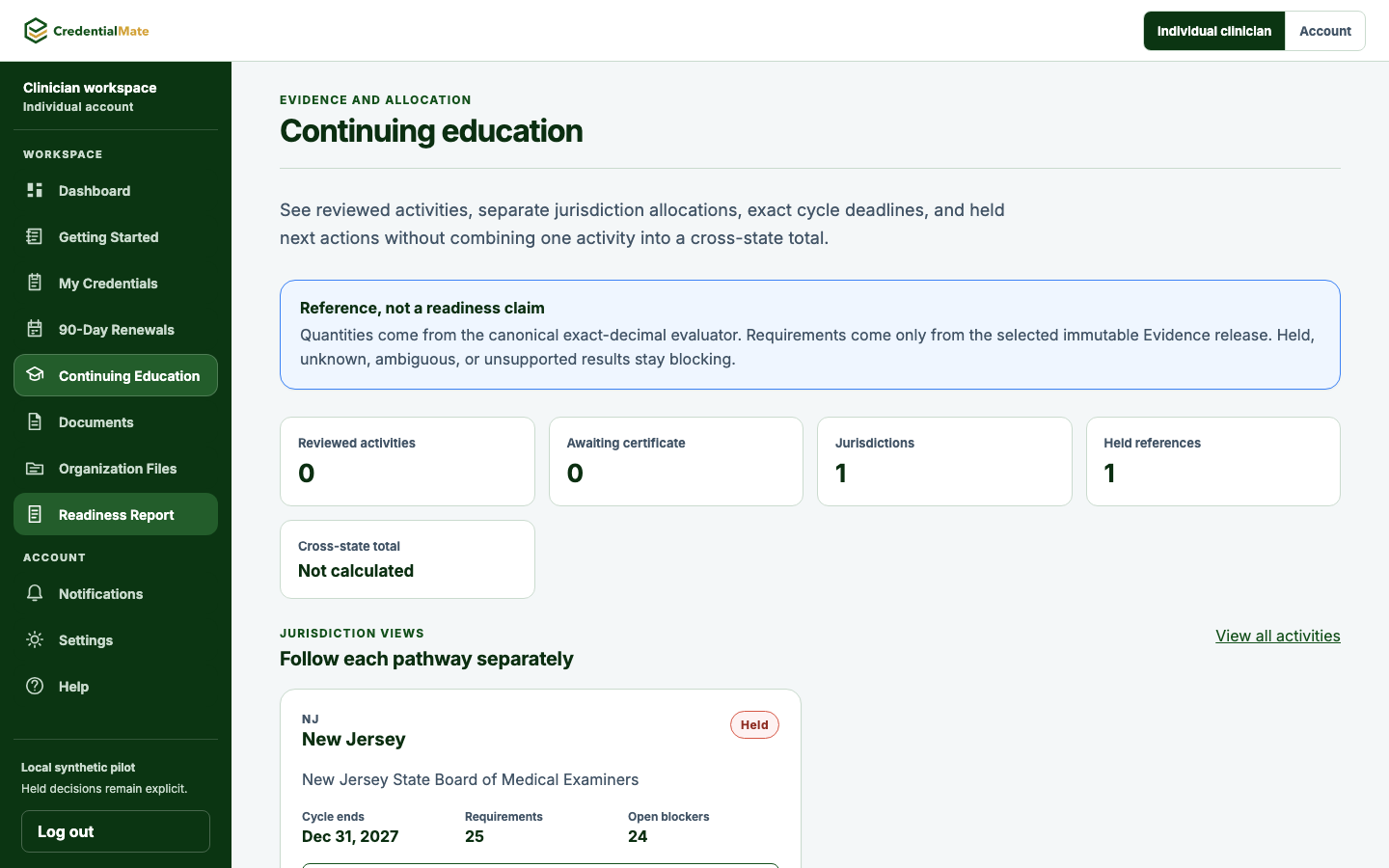
Compare completed CME with each state's requirements in one view. See what needs attention and choose the next activity.
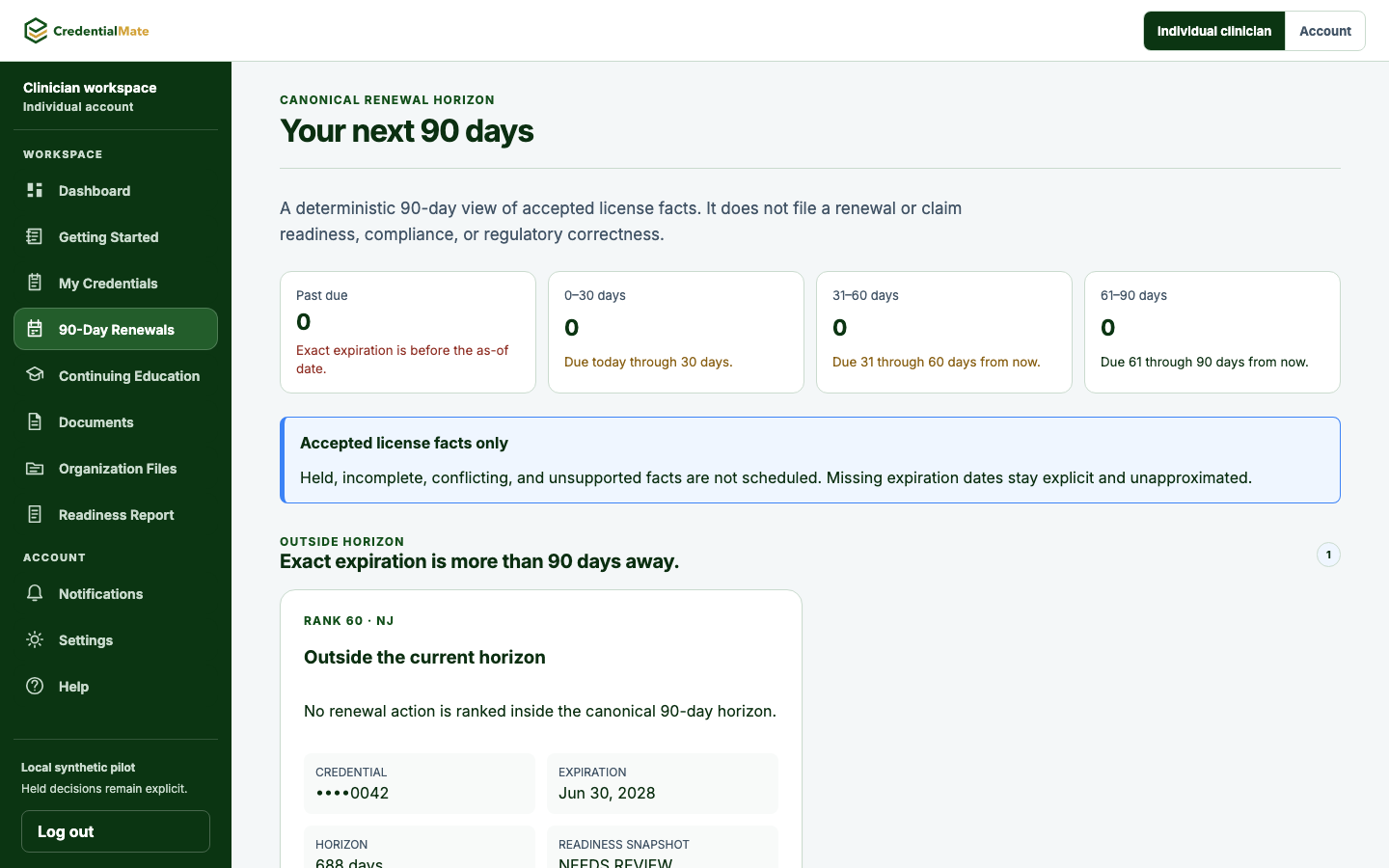
90-day renewal checklist
See upcoming deadlines, missing records, assigned owners, and next actions.
Choose how to manage readiness
Manage it yourself
Maintain source records, review each status, and act on the next steps shown in CredentialMate.
See the workspaceAdd support
Additional support can work from the same visible records and next-action view.
Review the readiness viewCalifornia license record · Review in 43 days
Controlled-substance registration record · Document needed
Review the renewal requirements
Common questions
Straight answers about multiple licenses, workspace status, ownership, and additional support.
It keeps the license record, deadline, documents, status, and next action together so you can see what needs review.
The individual view is designed to organize multiple license records and their related documents and next actions in one place.
It summarizes the license records, deadlines, documents, and review work currently visible in the workspace.
CredentialMate can distinguish software visibility from additional support. Availability, responsibilities, and customer-controlled steps are confirmed before any support work begins.